ImageReady training course Perth- Moving between Adobe Photoshop and Image Ready
- Opening file
- Formats in Image Ready
- Scanning
- Editing
- Shapes
- Tabs for web pages.
- Slicing images with Image Ready for fast web page load speed
 - Styles
- Buttons
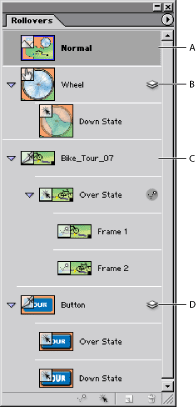
- Create Rollovers with Image Ready
- Create remote rollovers with ImageReady
- Create animated gifs with Image Ready
- Web page design
- Resizable web pages for different resolution monitors
- Other web page design considerations such as naming of template files
- Configuration for gif or jpeg web design.
- Export to html (Web page design with Image Ready)
- Creating Web photo galleries
- Working with wysiwyg html editors
- Previewing ImageReady page in browser
- Exporting from Image Ready to html
- Importing to Image Ready
Computer Training Perth also provide training at our modern Perth Training institute in the latest versions of: Image Ready Training Perth Enrolment
Adobe Training in Perth at 4 Karrinyup Road, Trigg | 


